Practical OPDS guide
Host your own book library and open it in Lectern
Keep the files on hardware you control, browse the shelf from your Android device, and download books straight into Lectern. This guide covers the simple route with Calibre-Web and the read-along route with Storyteller.
The short answer
Choose Calibre-Web if you mainly want a private ebook shelf. Choose Storyteller if you own matching DRM-free ebooks and audiobooks and want to create EPUB 3 read-along books. Both expose an OPDS catalog that Lectern can browse.
Choose the server that fits your library
| Question | Calibre-Web | Storyteller |
|---|---|---|
| Best for | Ebook management and downloads | Ebooks, audiobooks and aligned read-alongs |
| Existing library | Uses a Calibre library with metadata.db | Imports ebooks and audiobooks into its own data store |
| Lectern downloads | EPUB editions from the OPDS feed | EPUB or read-aloud EPUB when available |
| Server load | Light for normal browsing | Alignment can need substantial CPU, memory and time |
If you only need books on a home network, start with Calibre-Web. Storyteller earns the extra setup when synchronized ebook plus audiobook reading is the goal. See the full comparison for the tradeoffs.
Before you start
- A computer, NAS or home server that stays on while you want to browse.
- Docker with Docker Compose, plus folders that survive container updates.
- DRM-free EPUB files. Lectern deliberately ignores audio-only OPDS entries.
- Your server's local IP address, such as
192.168.1.50.
Start on your home Wi-Fi. It is easier to prove the catalog works locally before adding a domain or reverse proxy. For access away from home, use a VPN such as Tailscale or a correctly configured HTTPS reverse proxy. Do not publish an unencrypted login over the open internet.
Route A: Calibre-Web
The compose file below follows the maintained LinuxServer image. Replace both /path/to/... values, and set PUID, PGID and the time zone for your server. The book folder must contain a valid Calibre library, including metadata.db.
services:
        calibre-web:
          image: lscr.io/linuxserver/calibre-web:latest
          container_name: calibre-web
          environment:
            - PUID=1000
            - PGID=1000
            - TZ=Etc/UTC
          volumes:
            - /path/to/calibre-web/config:/config
            - /path/to/calibre/library:/books
          ports:
            - 8083:8083
          restart: unless-stopped
- Save the file as
compose.yamland rundocker compose up -d. - Open
http://SERVER-IP:8083. Set the library location to/books. - Sign in with
adminandadmin123, then change that default password immediately. - Add books through Calibre. If you want a watched ingest folder and automatic conversion, use Calibre-Web Automated instead.
- Test
http://SERVER-IP:8083/opdsin a browser. A login prompt or feed response means the endpoint is alive.
The current image, mount points and update instructions live in the official LinuxServer repository. Treat that page as the source of truth when its compose template changes.
Route B: Storyteller
Storyteller can align a DRM-free ebook with its matching audiobook and export a standards-based EPUB 3 read-aloud. Create a random secret with openssl rand -base64 32, save only the value in STORYTELLER_SECRET_KEY.txt, then use this compose file.
services:
        web:
          image: registry.gitlab.com/storyteller-platform/storyteller:latest
          volumes:
            - /path/to/storyteller/data:/data:rw
          environment:
            - STORYTELLER_SECRET_KEY_FILE=/run/secrets/secret_key
          ports:
            - "8001:8001"
          secrets:
            - secret_key
          restart: unless-stopped
      secrets:
        secret_key:
          file: ./STORYTELLER_SECRET_KEY.txt
- Run
docker compose up -dand openhttp://SERVER-IP:8001. - Create the administrator account and add an ebook, an audiobook, or both as one book.
- When you have both files, start alignment and let the server finish. This can take time.
- The OPDS feed is on by default, so your normal login is usually all you need. If it was ever switched off, turn it back on under Settings → OPDS: a disabled feed answers with a 404. The endpoint is
https://YOUR-SERVER/opds. - Use your normal Storyteller username and password in Lectern.
Check the current Storyteller self-hosting guide and OPDS documentation before upgrading. Storyteller serves audio and EPUB entries together, while Lectern shows the EPUB and read-aloud editions it can import.
Connect the server to Lectern
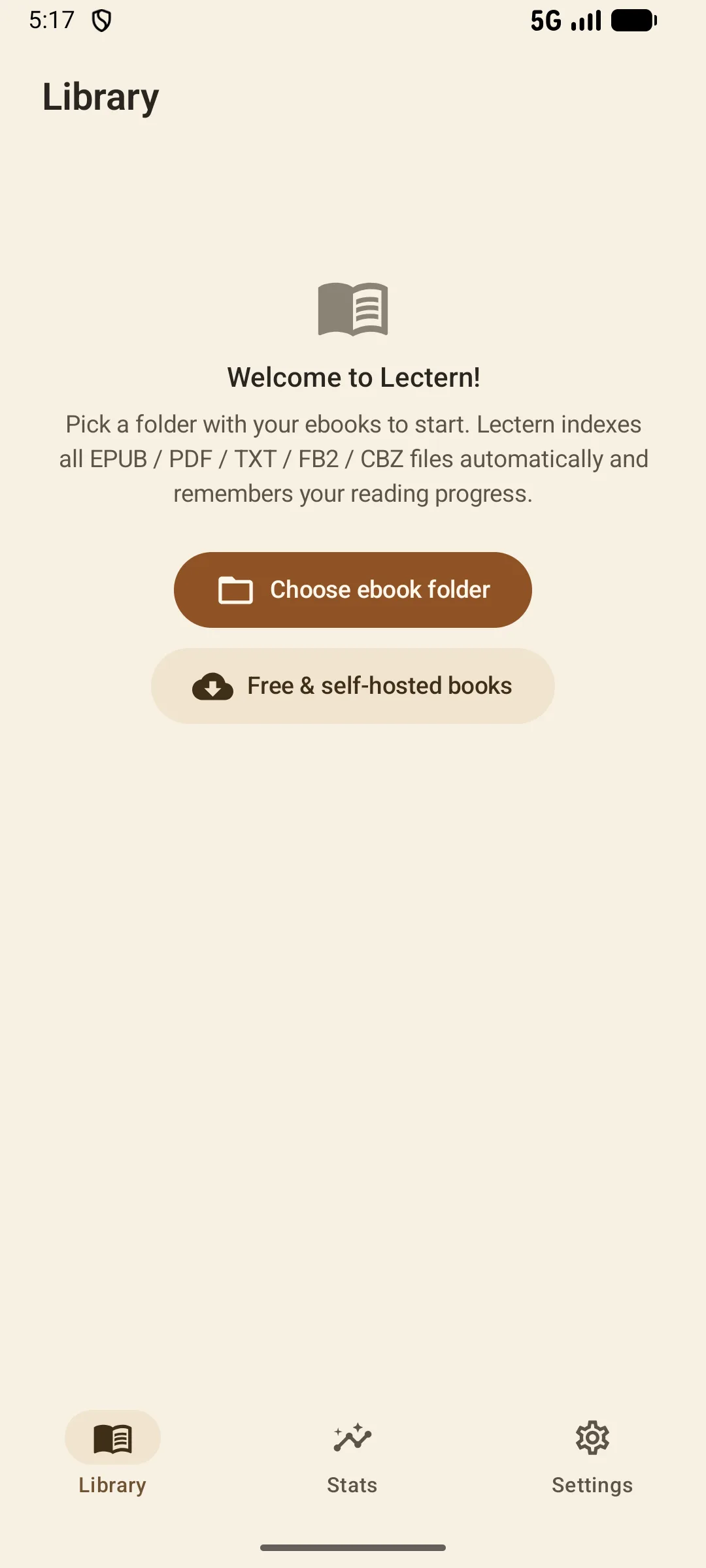
- Open your library. Tap the plus button, then choose Free & self-hosted books.
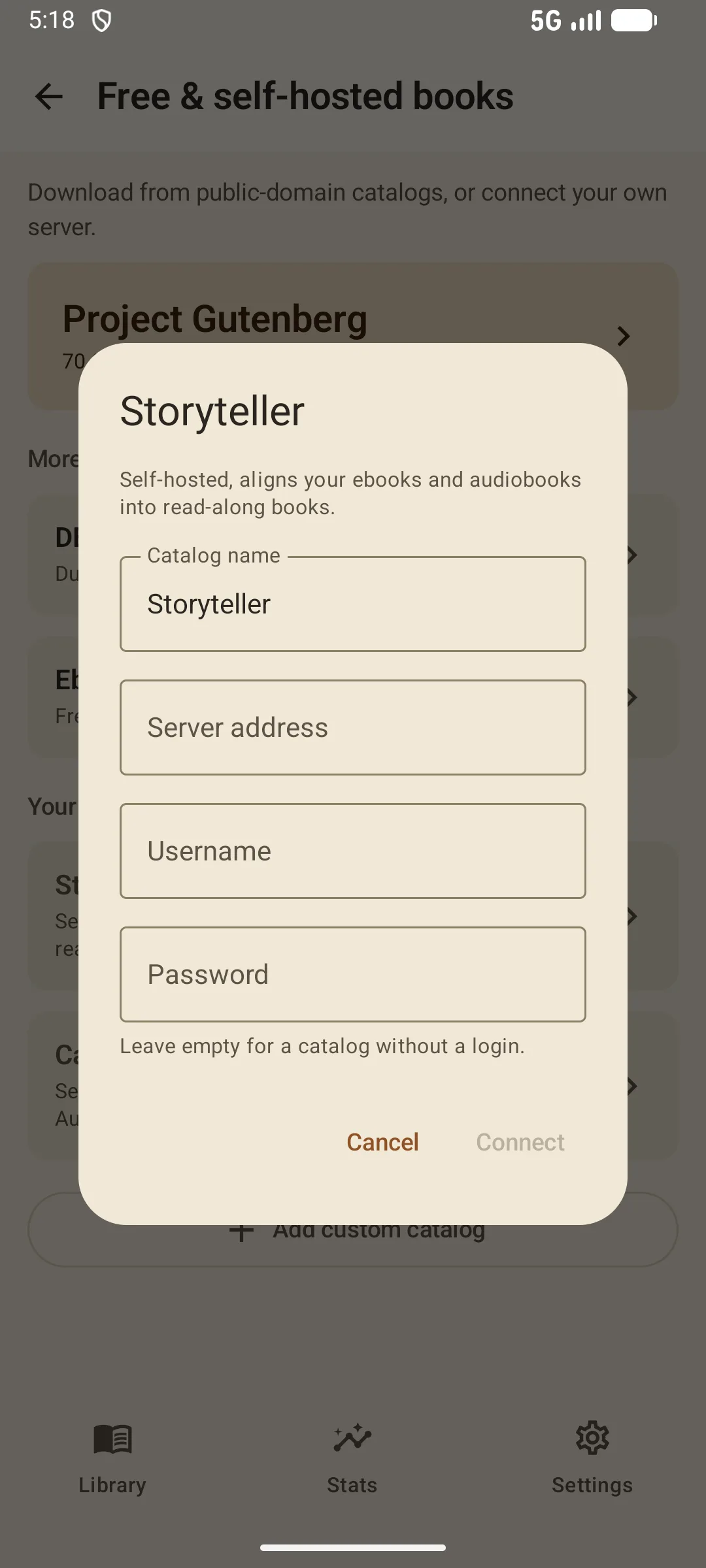
- Choose Storyteller or Calibre-Web. Lectern knows the usual OPDS path for both.
- Enter the server address. Use a local address such as
http://192.168.1.50:8083, or your HTTPS domain. Lectern adds the right OPDS path for the selected server. - Add the server username and password. They stay encrypted on this Android device.
- Tap Connect. Browse, search and download an EPUB. Downloads join your normal Lectern library and remain available offline.
If your reverse proxy uses a subpath, enter the complete feed URL, for example https://books.example.com/calibre/opds. For any other server, use Lectern's Other OPDS feed option and paste the full feed URL.
Fix the common problems
Lectern cannot reach the server
Do not enter localhost: on your phone that means the phone itself. Use the server's LAN address. Confirm the phone and server are on the same network and that the host firewall allows port 8083 or 8001.
The catalog asks for a login again
Open the web interface with the same credentials first. Calibre-Web and Storyteller normally use basic authentication for OPDS. OAuth-only setups may need a separate local user for OPDS clients.
The catalog opens but shows no books
Verify that the feed actually offers an EPUB acquisition. Lectern does not turn an audio-only entry into a broken book row. In Storyteller, upload an EPUB or finish a read-aloud; in Calibre-Web, make sure the title has an EPUB edition.
HTTPS fails on Android
Use a certificate trusted by Android and include the full certificate chain. A self-signed certificate is useful for experiments, but Android will reject it unless you explicitly install and trust it.
Self-hosted OPDS questions
Do I enter the server address or the full OPDS URL?
For Storyteller and Calibre-Web, the server address is enough because Lectern adds the right OPDS path for the selected server. If you use a reverse-proxy subpath or another server, paste the complete feed URL.
Can I connect over the internet?
Yes, but use a trusted HTTPS certificate or a private VPN. Do not expose an unencrypted OPDS login directly to the internet.
Does Lectern stream audiobooks from Storyteller?
No. Lectern imports EPUB and read-aloud EPUB editions from the feed. Audio-only entries are hidden instead of becoming unusable rows.
Are my OPDS credentials sent to Lectern's developer?
No. They are stored encrypted on your Android device and sent only to the server origin you configured.
Understand the choices
Continue with OPDS

Your shelf, on your server
Connect once, download what you want, then read and listen offline in Lectern.
Get it onGoogle Play